Understanding the Basics of Responsive Web Design
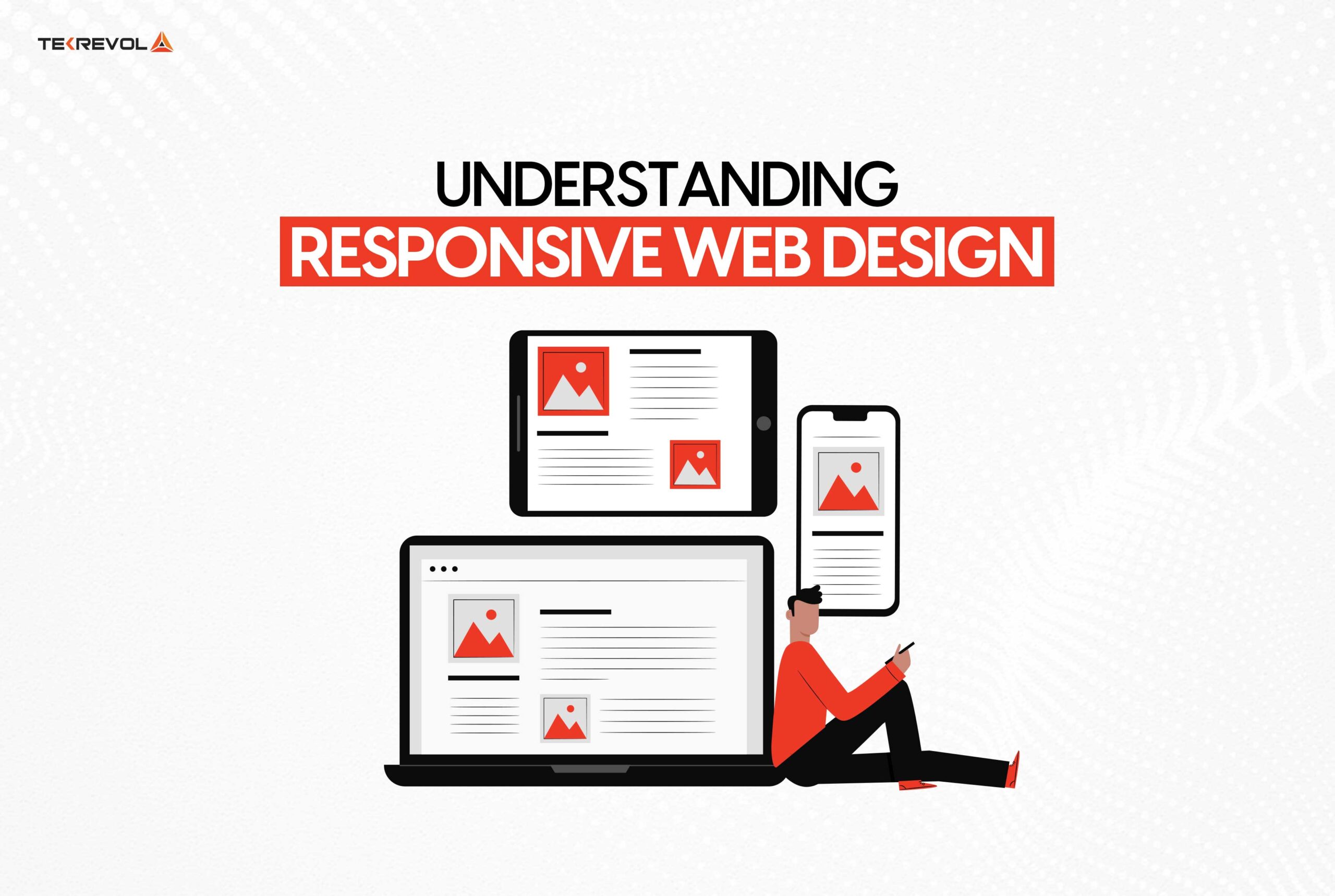
Responsive Web Design is an approach that ensures a website's layout adapts seamlessly to various screen sizes and devices. This design philosophy is paramount in today's digital landscape, where users access websites through smartphones, tablets, and desktops. By utilizing fluid grids, flexible images, and CSS media queries, responsive web design allows for an optimized browsing experience. When developing a responsive website, developers focus on three key principles: fluidity, flexibility, and adaptability, creating interfaces that are both user-friendly and visually appealing across all devices.
Understanding responsive web design also involves recognizing its benefits for search engine optimization (SEO). Google prioritizes mobile-friendly websites, and a responsive design can significantly enhance a site's visibility in search results. This design strategy reduces bounce rates by offering users a seamless experience, regardless of how they access the site. Additionally, it simplifies the maintenance process, as a single responsive site can replace multiple versions designed for different devices, improving site performance and load times. Embracing responsive web design is not just a trend; it is a crucial element for any modern web presence aiming for success.
Top 5 Principles of Responsive Web Design for Optimal User Experience
Responsive web design is essential for creating an optimal user experience across various devices. Here are the top 5 principles you should focus on:
- Fluid Grids: Instead of using fixed widths, fluid grids utilize percentage-based layouts that adapt to the screen size. This ensures that your content remains visually appealing on any device, from smartphones to desktops.
- Flexible Images: Images should also scale appropriately within the fluid grid layout. Using CSS techniques like
max-width: 100%;allows images to resize without losing their aspect ratio, maintaining a seamless aesthetic.
Continuing with our list, the next principles are crucial for enhancing accessibility and usability:
- Media Queries: Implementing media queries allows you to apply different styles based on the user's device, screen resolution, or orientation. This customization ensures that users have a tailored experience, optimizing readability and navigation.
- Mobile-First Approach: Prioritizing mobile design from the outset promotes a more streamlined user experience. By designing for smaller screens first, you can progressively enhance functionality for larger devices.
- Consistent Design Elements: Maintaining uniformity in design elements like buttons, colors, and fonts helps users navigate your site intuitively. Consistency fosters familiarity, making it easier for users to interact with your content.
How to Make Your Website Dance: A Step-by-Step Guide to Responsive Design
Creating a website that truly dances requires a solid foundation in responsive design. This technique ensures your site automatically adjusts its layout based on the device it’s being viewed on, providing an optimal user experience across desktops, tablets, and smartphones. To get started, follow these essential steps:
- Use a Fluid Grid: Instead of fixed pixel layouts, use percentage-based grids that allow elements to resize proportionally.
- Flexible Images: Make sure your images can scale within their containers by setting their max-width to 100%.
- Media Queries: Define breakpoints in your CSS to apply different styles based on screen size.
Once you implement these techniques, it’s time to test how well your website dances on various devices. Utilize tools like responsive design simulators or simply resize your browser window to see how elements rearrange themselves. Ensuring that the navigation is intuitive is crucial; consider using hamburger menus for mobile views to save space. By prioritizing responsive design, you’ll not only improve user engagement but also boost your site’s SEO ranking, as search engines favor mobile-friendly sites.